EMTCC Recycling
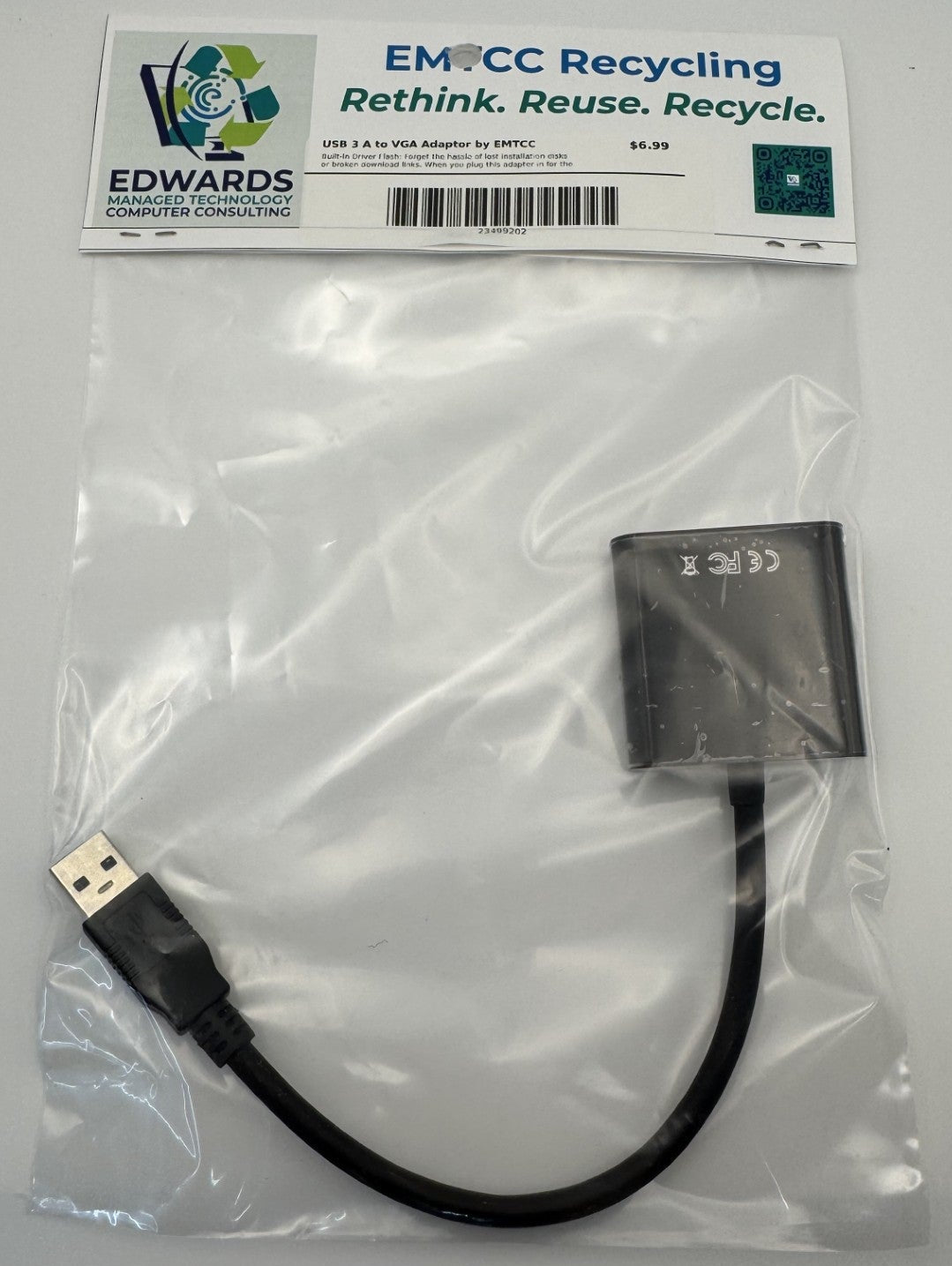
USB 3.0 to VGA Adapter (Driver Needed) by EMTCC Recycling
Couldn't load pickup availability
High-Speed Multi-Display Productivity Made Easy
Need to expand your desktop workspace, but out of traditional video ports? The EMTCC Recycling USB 3.0 to VGA Adapter allows you to transform a standard USB Type-A port into a high-definition VGA output. Whether you want to add a second monitor to your laptop or connect your desktop to a conference room projector, this adapter is the perfect hardware solution for efficient multitasking.
To ensure you always have access to the latest, most stable software, the official installation files are securely hosted and readily available for download anytime.
Key Features
-
Dedicated Driver Download Link: No need to worry about lost installation CDs or outdated onboard storage files. Get instant access to the official, up-to-date drivers directly from our secure portal:
-
SuperSpeed USB 3.0 Performance: Leveraging the high bandwidth of USB 3.0, this adapter delivers crisp, stutter-free video output up to 1080p (1920x1080 @ 60Hz). (Note: Backwards compatible with USB 2.0 ports at 800x600 resolution).
-
Flexible Display Options: Boost your daily productivity. Use Extend Mode to spread your open windows across multiple screens, or use Mirror Mode to duplicate your primary screen for seamless presentations.
-
Sustainable IT Choice: Proudly offered by EMTCC Recycling. By giving modern, slim computers the ability to interface with dependable VGA legacy monitors, this adapter helps keep high-quality hardware in active service and reduces electronic waste.
-
Compact & Ready for Travel: The lightweight, low-profile design easily slips into your laptop sleeve, tech pouch, or pocket, making it an essential tool for mobile professionals and remote setups.
Technical Specifications
| Feature | Specification |
| Input | USB 3.0 Type-A Male (Backwards compatible with USB 2.0) |
| Output | VGA Female (Analog) |
| Max Resolution (USB 3.0) | 1080p / 1920x1080 @ 60Hz |
| Max Resolution (USB 2.0) | 800x600 |
| Driver Access | Secure Online Download (SharePoint Portal) |
| OS Compatibility | Windows 10 / 11 |
| Audio Support | No (VGA transmits video signals only) |
Quick Setup Instructions
-
Download: Click the secure link above to download the driver folder from our EMTCC SharePoint repository.
-
Install: Run the setup file (
.exe) and follow the on-screen prompts to install the display driver software. -
Connect: Once the installation is complete, plug your adapter into an available USB 3.0 port and connect your VGA monitor cable.
-
Configure: Right-click on your Windows desktop, select Display settings, and choose whether to extend or duplicate your workspace!
Give your reliable legacy monitors a second life, optimize your workstation, and support eco-conscious tech solutions with EMTCC Recycling!
Materials
Materials
Shipping & Returns
Shipping & Returns
Dimensions
Dimensions
Care Instructions
Care Instructions