EMTCC Recycling
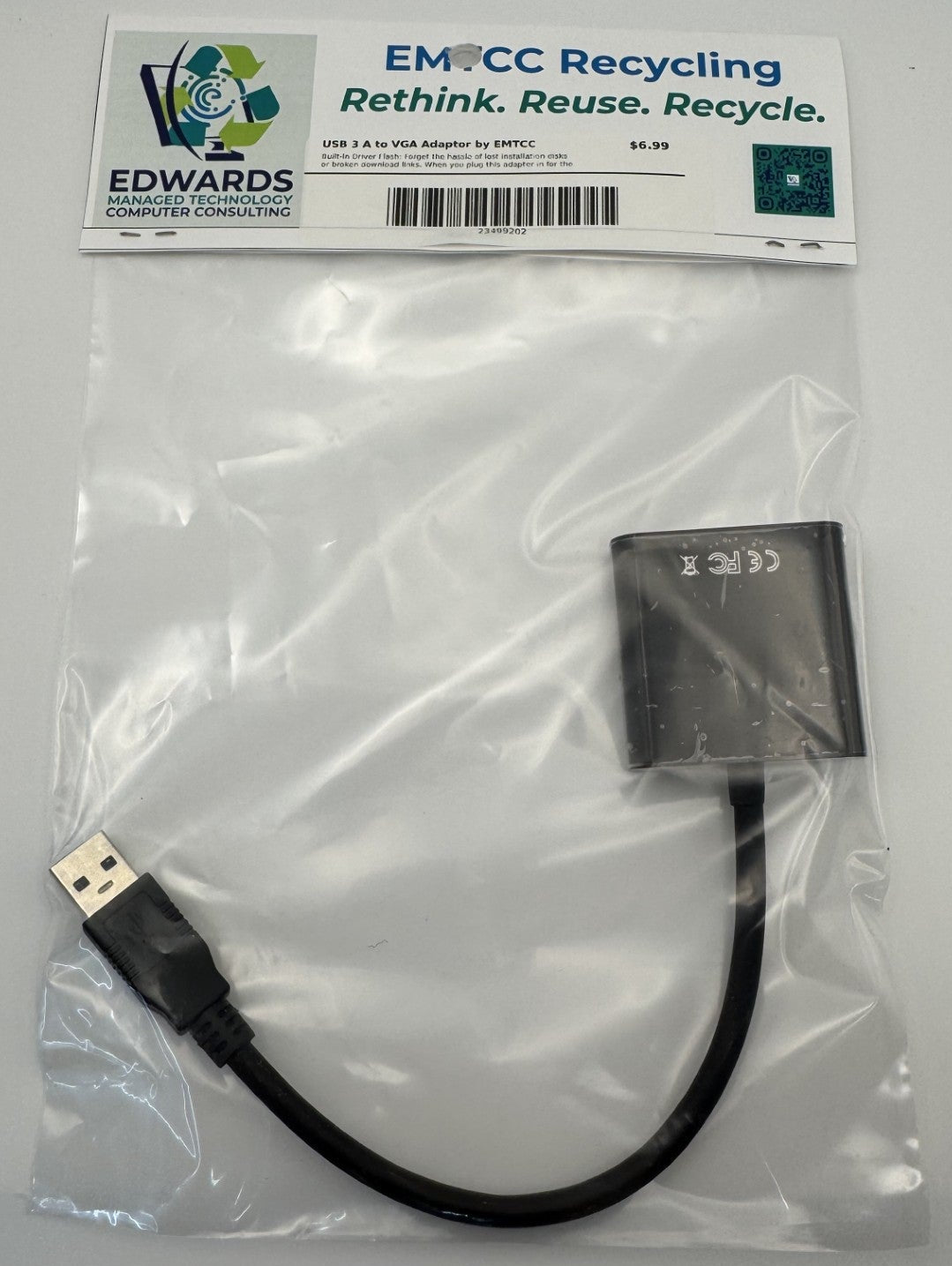
USB 3.0 to VGA Adapter by EMTCC Recycling
Couldn't load pickup availability
Turn Any USB Port into a Video Output
Need to add a second or third monitor to your laptop or desktop, but out of video ports? The EMTCC Recycling USB 3.0 to VGA Adapter is the ultimate multi-display solution for modern workstations. Even if your computer doesn't have an extra HDMI or DisplayPort, this smart adapter converts a standard USB 3.0 port into a high-definition VGA output.
Best of all, you don't need to hunt for an old installation CD or search the internet for the right software—the drivers are built right into the device for a seamless setup experience.
Key Features
-
Built-In Driver Flash: Forget the hassle of lost installation disks or broken download links. When you plug this adapter in for the first time, it acts like a small flash drive containing the necessary drivers. Just double-click the setup file, and you're ready to go in seconds!
-
True High-Definition Performance: Utilizing the high bandwidth of SuperSpeed USB 3.0, this adapter delivers crisp video output up to 1080p (1920x1080 @ 60Hz). (Note: Compatible with USB 2.0 ports at 800x600 resolution).
-
Expand Your Workspace: Choose between Mirror Mode to duplicate your primary screen for presentations, or Extend Mode to expand your desktop workspace, making multitasking across multiple monitors a breeze.
-
Eco-Conscious IT Solution: Proudly offered by EMTCC Recycling. By giving you an easy way to connect older, reliable VGA monitors to modern laptops and slim desktops, this adapter helps maximize hardware lifespans and cut down on electronic waste.
-
Ultra-Portable Design: Lightweight and compact, it slides easily into any laptop sleeve or pocket, making it an essential tool for mobile professionals, IT technicians, and remote workers.
Technical Specifications
| Feature | Specification |
| Input | USB 3.0 Type-A Male (Backwards compatible with USB 2.0) |
| Output | VGA Female (Analog) |
| Max Resolution (USB 3.0) | 1080p / 1920x1080 @ 60Hz |
| Max Resolution (USB 2.0) | 800x600 |
| Driver Location | Onboard Internal Flash Storage (Plug & Play installation) |
| OS Compatibility | Windows 10 / 11 (Standard plug-and-install) |
| Audio Support | No (VGA transmits video signals only) |
Quick Setup Guide:
Plug the adapter into a vacant USB 3.0 port.
Open "This PC" or "My Computer" and look for the new drive icon labeled as the adapter.
Double-click the installation executable file (.exe) and follow the prompts.
Restart your computer if prompted, and enjoy your new display!
Don't retire a perfectly good monitor just because your new computer lacks the port. Give your legacy displays a second life, upgrade your productivity, and support sustainable technology with EMTCC Recycling!
Materials
Materials
Shipping & Returns
Shipping & Returns
Dimensions
Dimensions
Care Instructions
Care Instructions